 GuidedTrack Docs
Custom services allow you to store and retrieve data across multiple program runs, enabling you to compare individual results against aggregated data from other users.
Example: Displaying Average Scores🔗
Suppose you have a program that administers a test and displays the user's score. You'd like to show them how their performance compares to recent test takers. Here's how custom services make this possible.
Step 1: Create a simple scoring program🔗
First, we'll build a program that takes advantage of the public self-reported IQ program. This program asks if the user has taken a professional IQ test and records the result, or prompts the user to estimate their percentile otherwise. We'll display their results:
*program: self-reported IQ - public

*if: not out_professionalTestIQScore = "N/A"
  Your professional test IQ score was {out_professionalTestIQScore}, placing you in the {out_professionalTestIQPercentile} percentile.
*if: not out_selfRatingIQPercentile = "N/A"
  Your self reported IQ percentile is {out_selfRatingIQPercentile}.
Step 2: Create the IQ Results Manager custom service🔗
Next, create a custom service to manage the scores. We'll call it "IQ Results Manager."
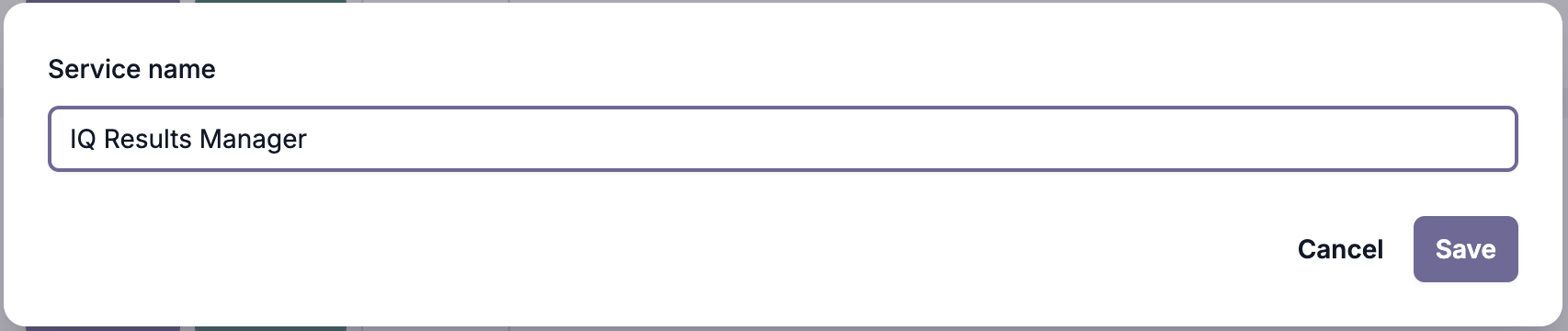
For more information on creating custom services, see Custom Services - Setting Up.
Step 3: Add a route to save scores🔗
Create a route under /scores using the POST method to handle saving score data.
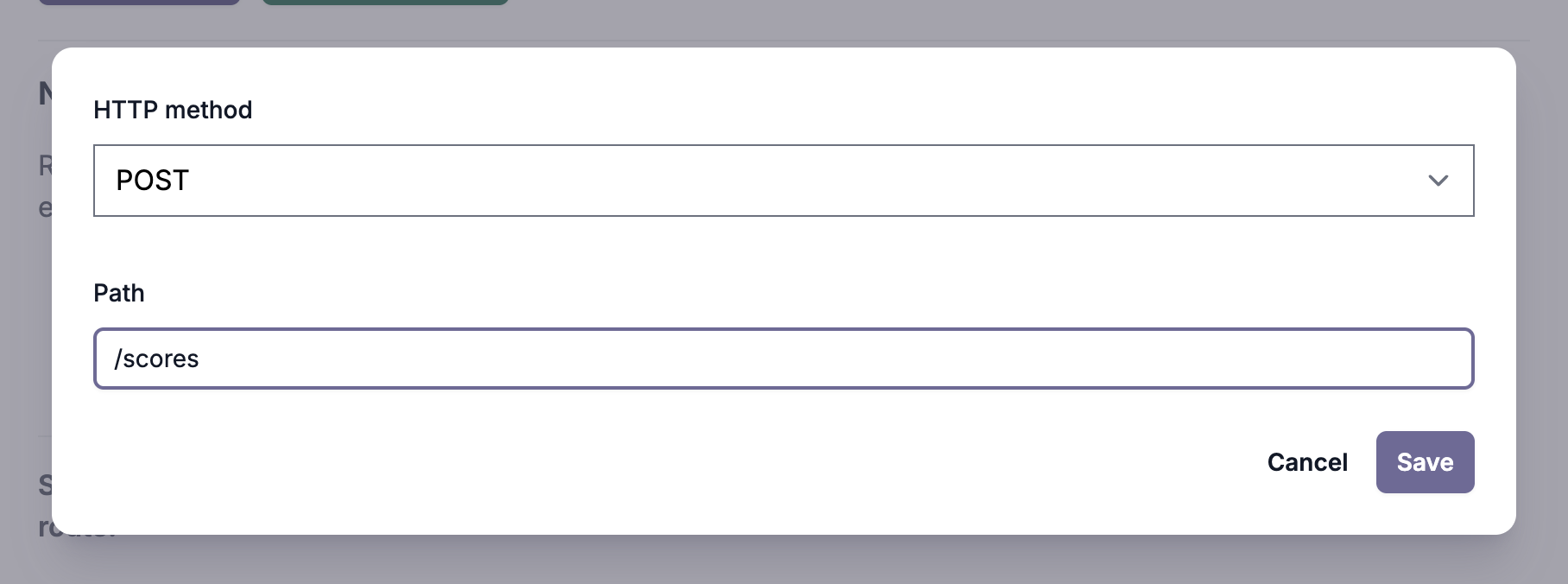
For more information on creating routes, see Custom Services - Creating Routes.
Update the route code to receive a score and save it to the scores table:
import guidedtrack from "guidedtrack-db";

export const handler = async (event) => {
  const data_sent = JSON.parse(event.body);

  return await guidedtrack.table("scores").insert(data_sent).response();
};
Step 4: Connect the service to your program🔗
Connect your custom service to the program.
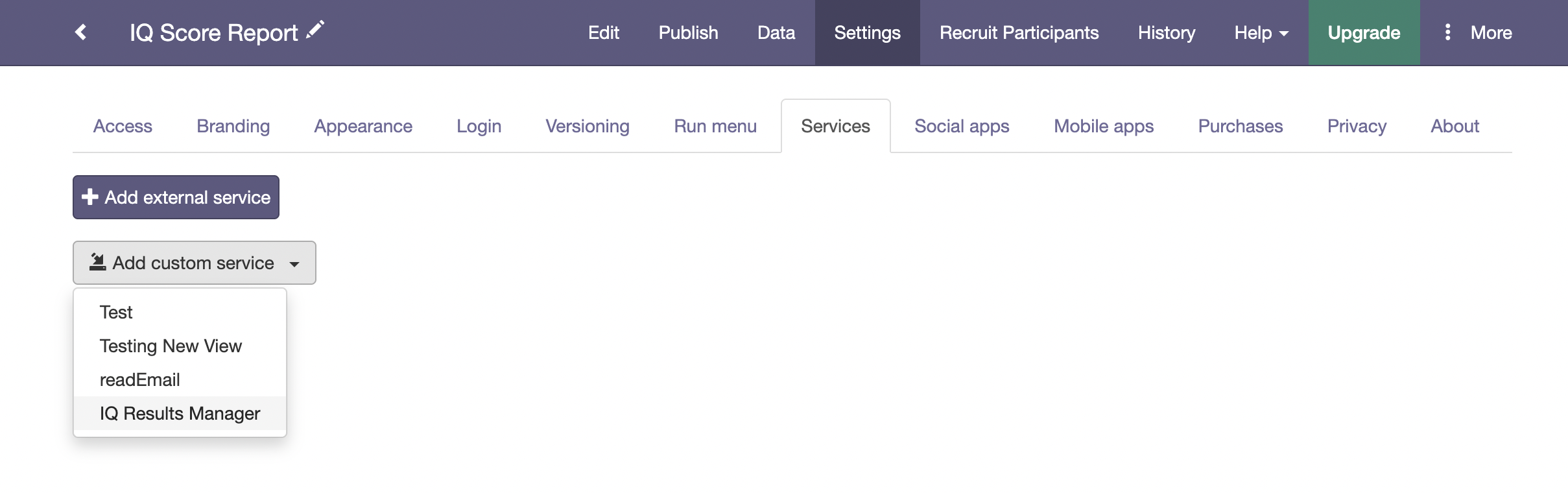
Update the program code to save the IQ results using the route we just created. In this example, we'll save each result with a different type ("professional" or "self-reported") so we can compare each user's results against all users and those who have the same type of results.
*program: self-reported IQ - public

*if: out_professionalTestIQScore = "N/A"
  >> percentile = out_selfRatingIQPercentile
  >> score = "N/A"
  >> type = "self-reported"
*if: not out_professionalTestIQScore = "N/A"
  >> percentile = out_professionalTestIQPercentile
  >> score = out_professionalTestIQScore
  >> type = "professional"

*service: IQ Results Manager
  *path: /scores
  *method: POST
  *send: { "iq_score" -> score, "iq_percentile" -> percentile, "type" -> type}
  *success
    Successfully saved your IQ results!
  *error
    You got an error: {it}

*wait: 2.seconds

*clear

Your {type} IQ test score is {score}, placing you in the {percentile} percentile.
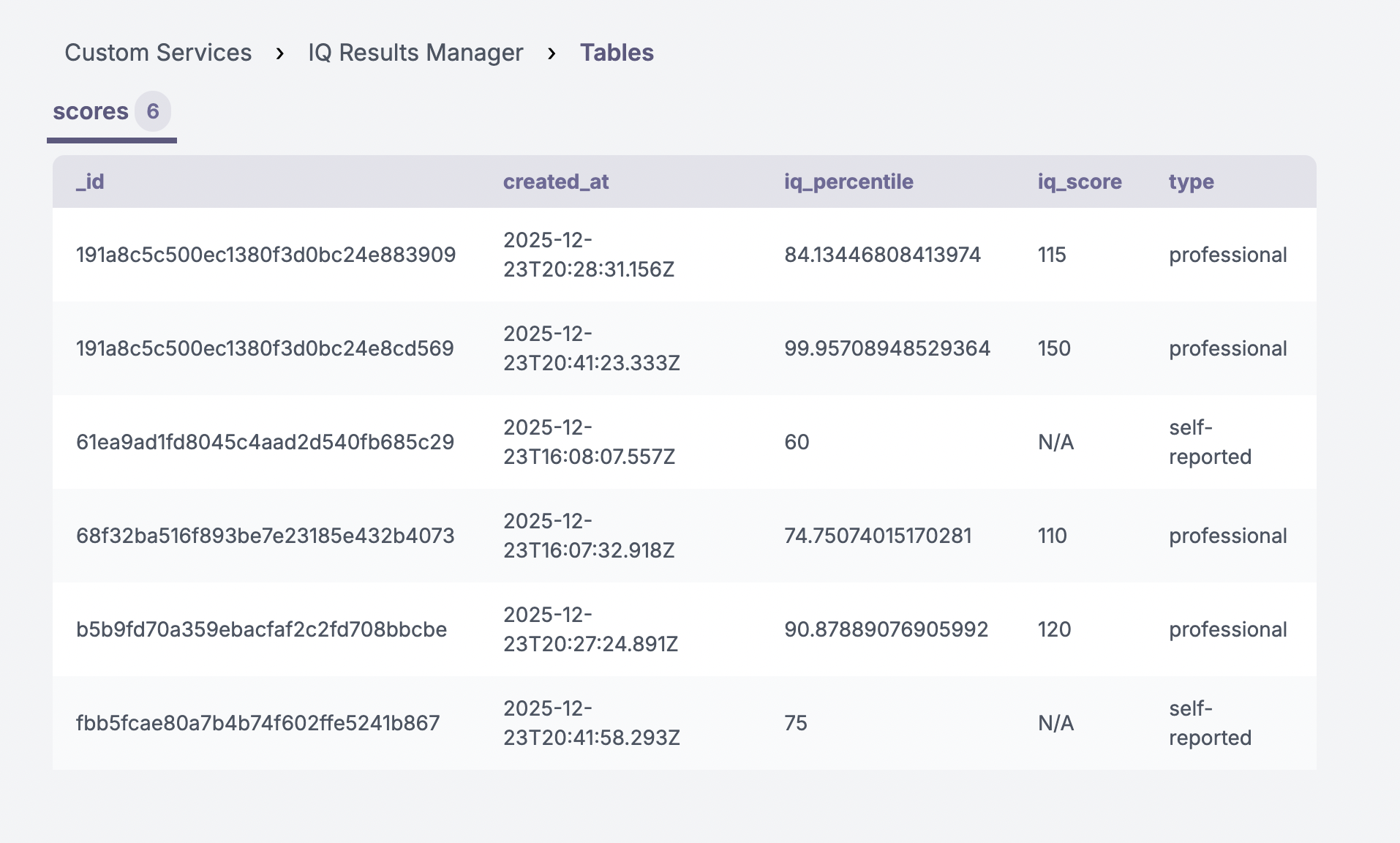
Your users' scores are now being saved to the scores table. You can view this data by navigating to the Custom Services page, finding the IQ Results Manager service, and clicking "Tables."

Step 5: Create a route to retrieve the average score🔗
Create another route under /scores/average using the GET method to calculate and return the average of recent scores.
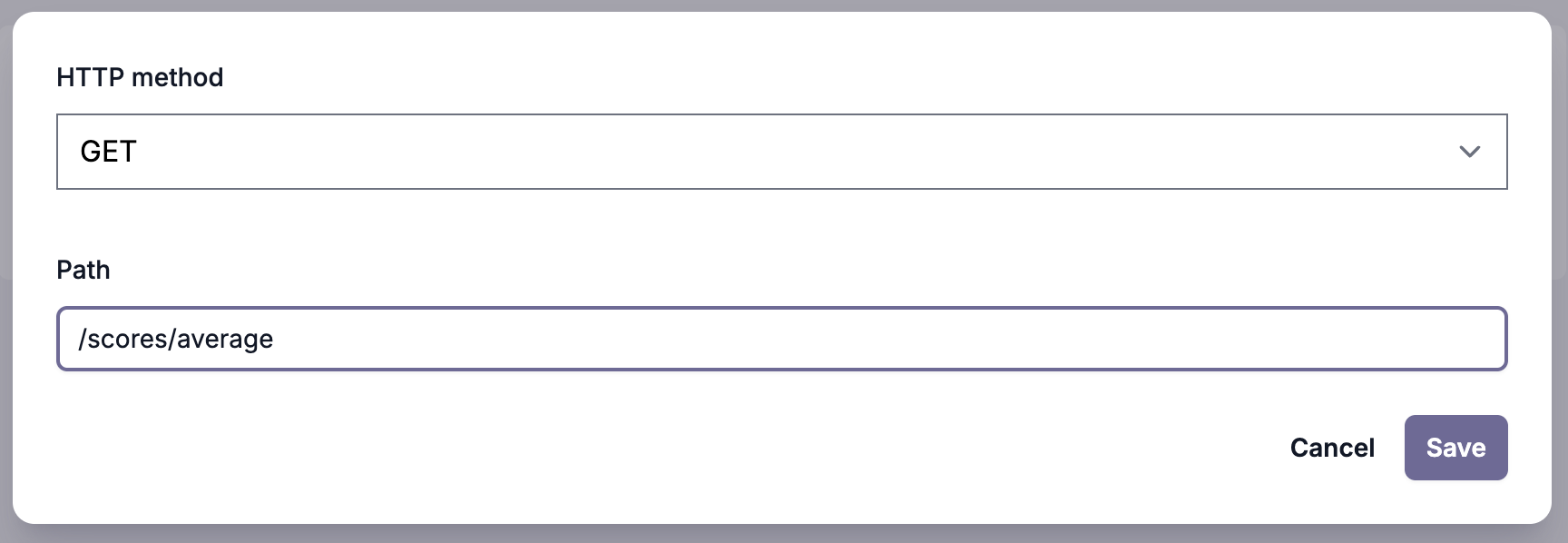
This route uses .search(selector) to retrieve records based on their type, .limit(n) to get only a fixed number of records, .sort(sort_instructions) to get the latest results, and .average(column) to calculate the average value of a column:
import guidedtrack from "guidedtrack-db";

export const handler = async (event) => {
  const type = event.queryStringParameters?.type;
  const scoresAverage = {
    percentile: "N/A",
    score: "N/A"
  };

  const selector = {};
  if (type) {
    selector["type"] = type;
  }
  const results = guidedtrack.table("scores").search(selector).limit(250).sort({"created_at": "desc"});
  scoresAverage["percentile"] = await results.average("iq_percentile");
  if (type == "professional") {
    scoresAverage["score"] = await results.average("iq_score");
  }

  return {
    statusCode: 200,
    body: JSON.stringify(scoresAverage)
  };
};
This code returns an object as the body of the response. The object always contains the properties "percentile" and "score." When there is no type query parameter, it returns the average percentile of all the IQ results stored and "N/A" as the average score. When type is passed, it returns the average percentile for that type of result ("self-reported" or "professional") and the appropriate value for the average score, which will be "N/A" for "self-reported" queries and a numeric value for "professional" queries.
Step 6: Display the comparison in your program🔗
Call the average route from your program and show users how they performed compared to other recent test takers:
*program: self-reported IQ - public

*if: out_professionalTestIQScore = "N/A"
  >> percentile = out_selfRatingIQPercentile
  >> score = "N/A"
  >> type = "self-reported"
*if: not out_professionalTestIQScore = "N/A"
  >> percentile = out_professionalTestIQPercentile
  >> score = out_professionalTestIQScore
  >> type = "professional"

*service: IQ Results Manager
  *path: /scores
  *method: POST
  *send: { "iq_score" -> score, "iq_percentile" -> percentile, "type" -> type}
  *success
    Successfully saved your IQ results!
  *error
    You got an error: {it}

*wait: 2.seconds

*clear

>> average_percentile = "N/A"
>> average_type_percentile = "N/A"
>> average_type_score = "N/A"
*service: IQ Results Manager
  *path: /scores/average
  *method: GET
  *success
    >> average_percentile = it["percentile"]
  *error
    You got an error: {it}

*service: IQ Results Manager
  *path: /scores/average?type={type}
  *method: GET
  *success
    >> average_type_percentile = it["percentile"]
    >> average_type_score = it["score"]
  *error
    You got an error: {it}


Your {type} IQ test score is {score}, placing you in the {percentile} percentile. Among all users in this program, the average percentile is {average_percentile}.
For users who also took {type} tests, the average percentile is {average_type_percentile} with an average score of {average_type_score}.
That's it! Your program now saves individual scores and displays personalized comparisons against aggregated data from other users.
Next: